Search the catalogue and take a closer look at vehicles
Find models by category, brand and drivetrain, then enlarge vehicle photos to prepare a more focused enquiry.
More ways to narrow the range
This website now offers catalogue search by product category, brand and drivetrain. Start with the requirements you already know, then use those choices to identify models for a closer review. If you are still exploring options, begin with a broad category and note the questions that come up as you browse.
A closer look at vehicle images
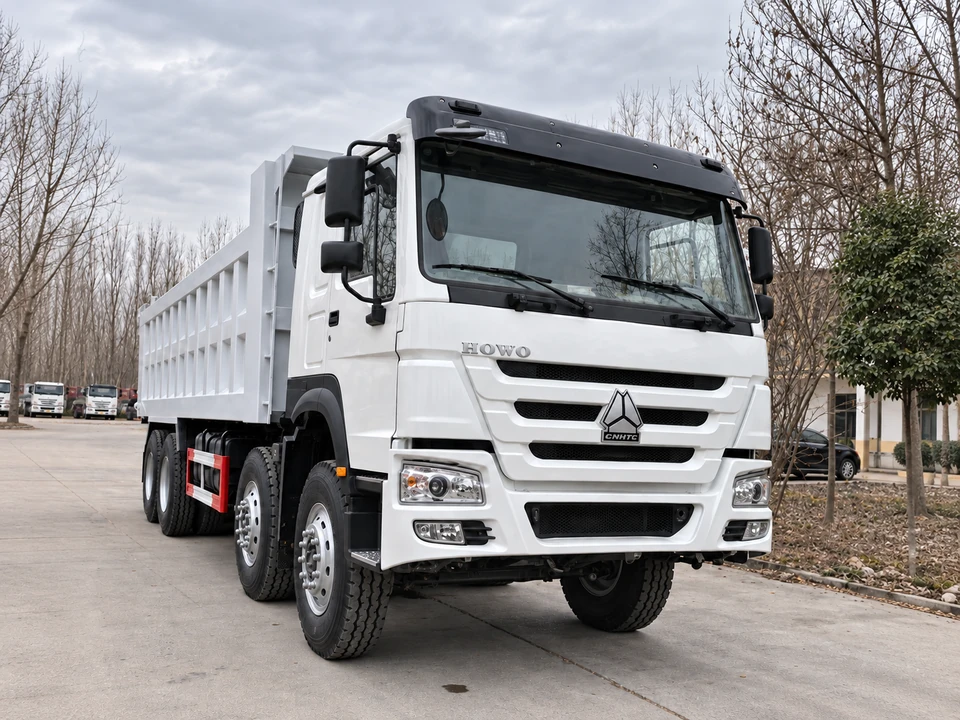
Vehicle photos can now be enlarged for closer viewing. Use the larger images to examine visible details and prepare specific questions about a listed model. Ask which vehicle is pictured, when the images were taken and whether more views are available for the vehicle being offered. Keep those questions alongside the model name so your enquiry stays clear.
Bring your requirements into the enquiry
Share the model names you are considering, intended work, requested configuration and destination when you contact us. Ask for written confirmation of the details that matter to your purchase and identify any points you still need to compare. The catalogue’s search choices and photos can help you build a shortlist and prepare a more focused conversation.